S3 Bucket and CloudFront Distribution Web Application Configuration
Marketplace Central Front End Application is deployed to and is served from S3.
-
Navigate to S3 and Create a new S3 Bucket in US-East-1 (N. Virginia)
-
Upon navigating to CloudFront, create a new distributions. Updated for new AWS UI
-
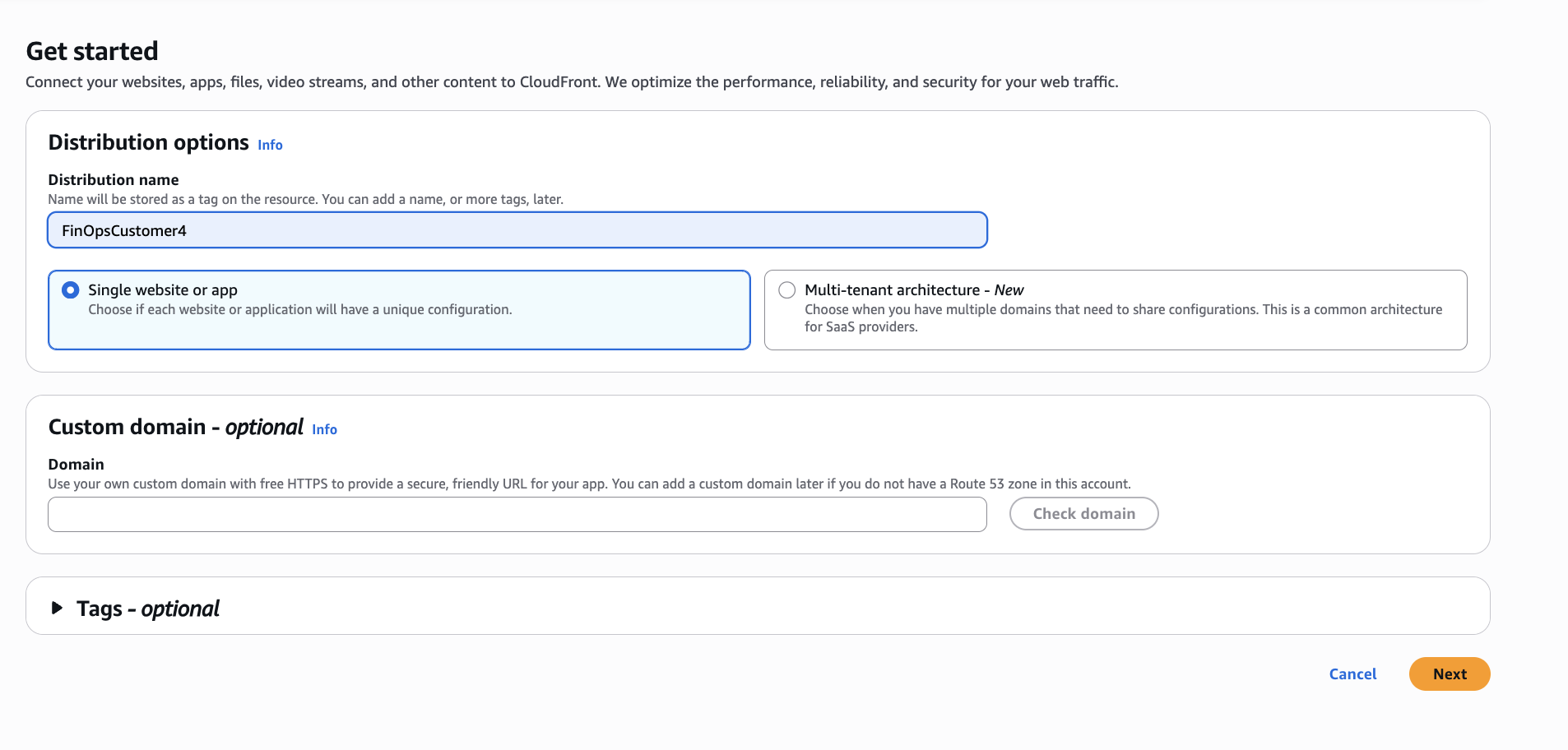
Create a name for your Distribution and Add your customer Domain. Note: it will try to validate the URL but select Skip for Now.
-
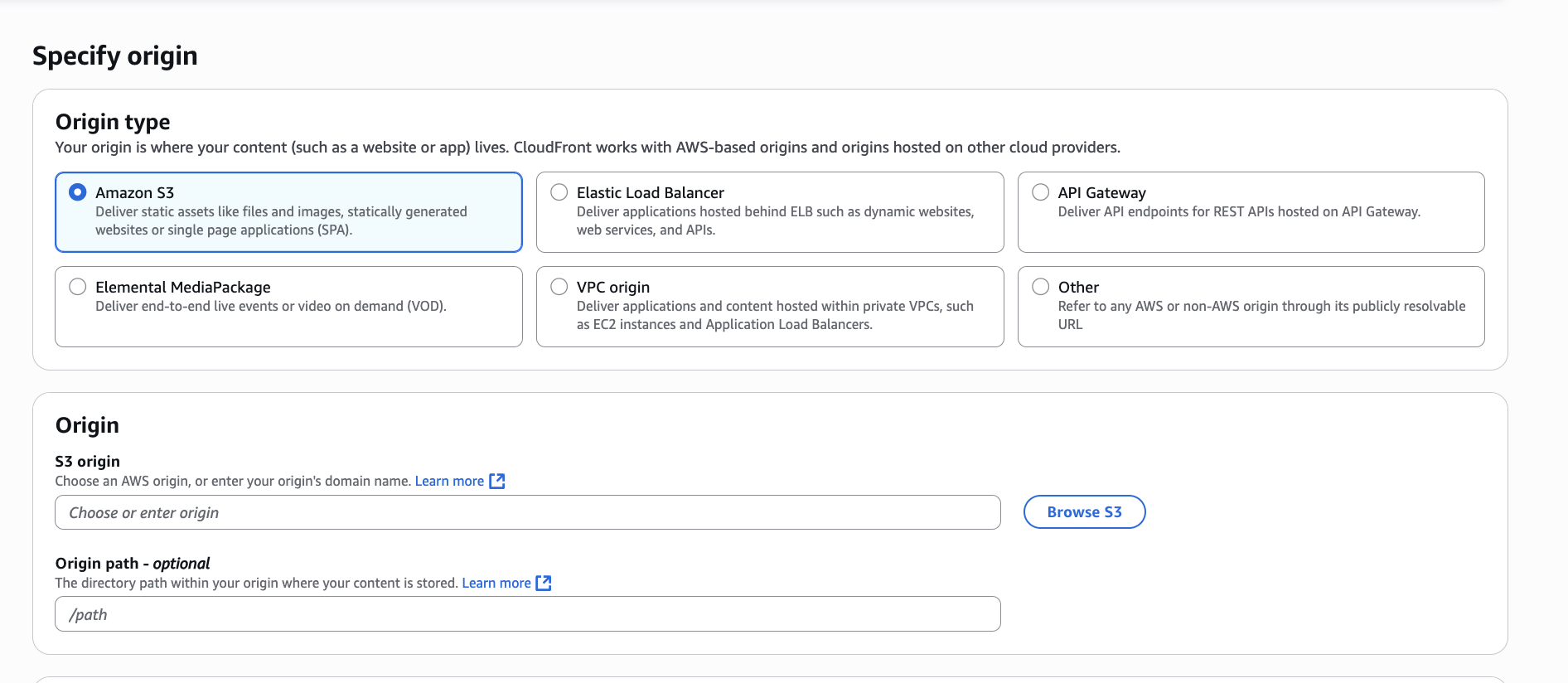
Level the S3 Selection and Select the Browse S3
-
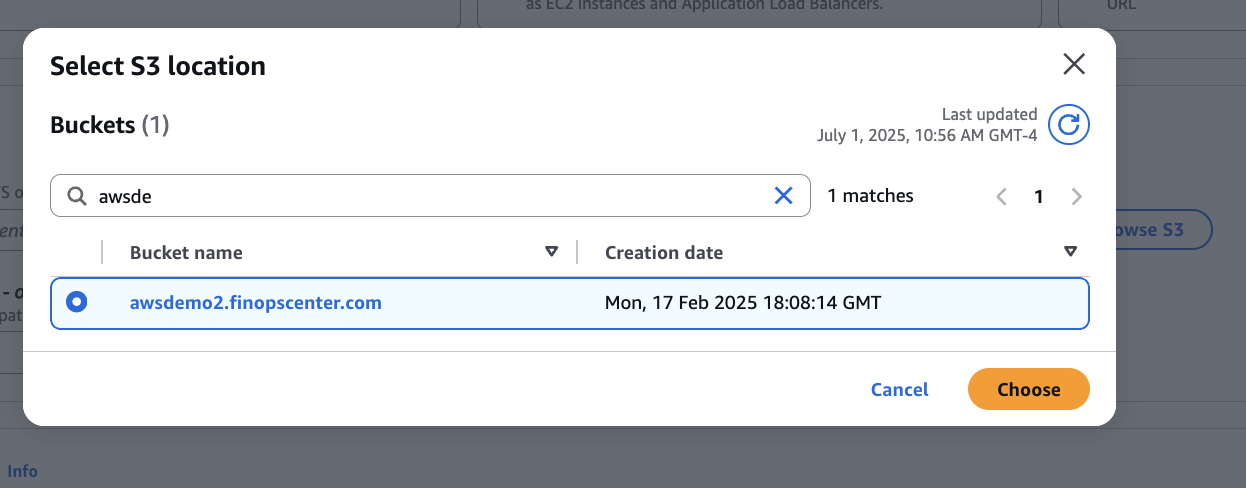
Select your bucket and Select Choose
-
Leave the Origin Path to Default and Select Next
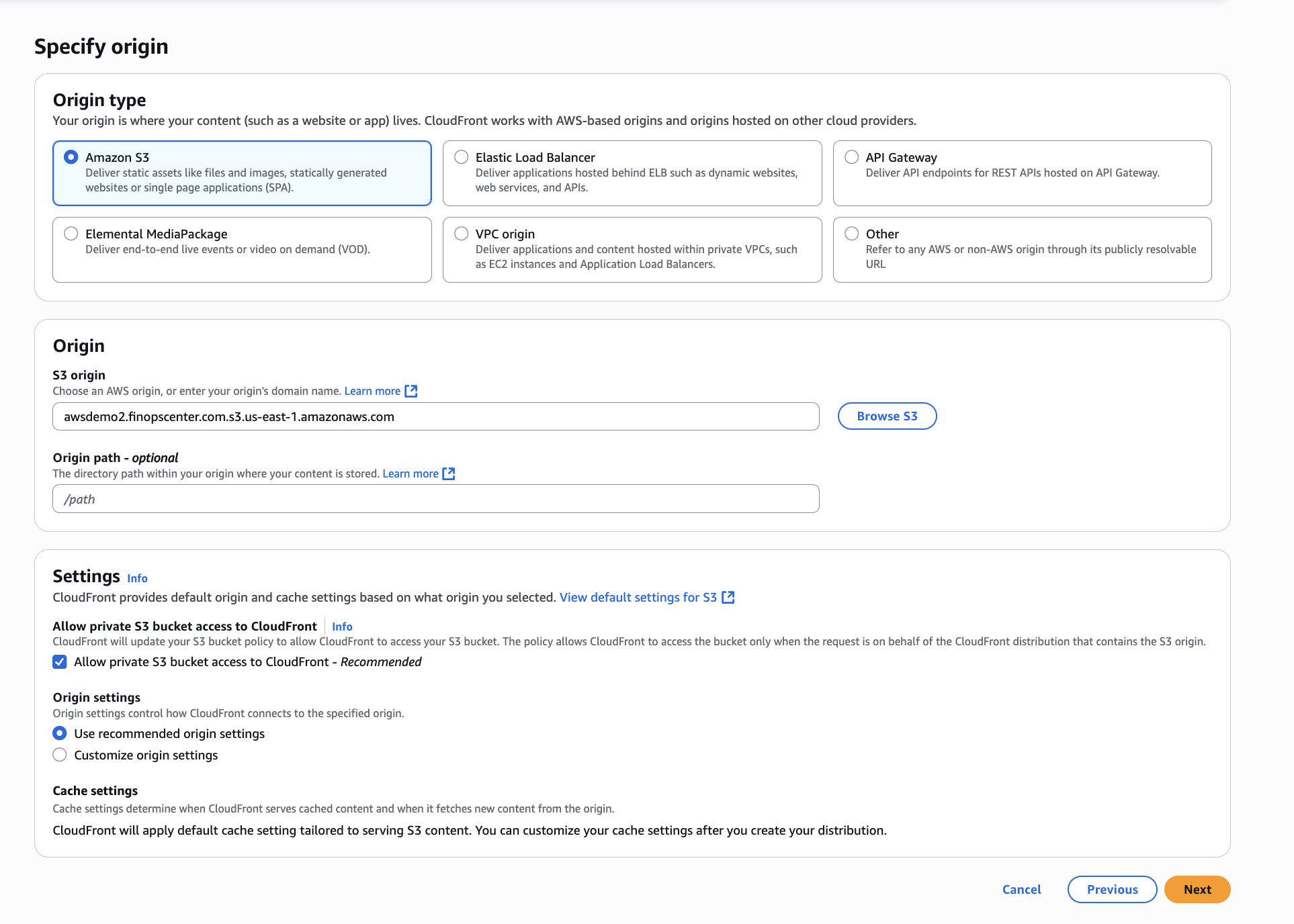
-
Do not Create a WAF and Select Next
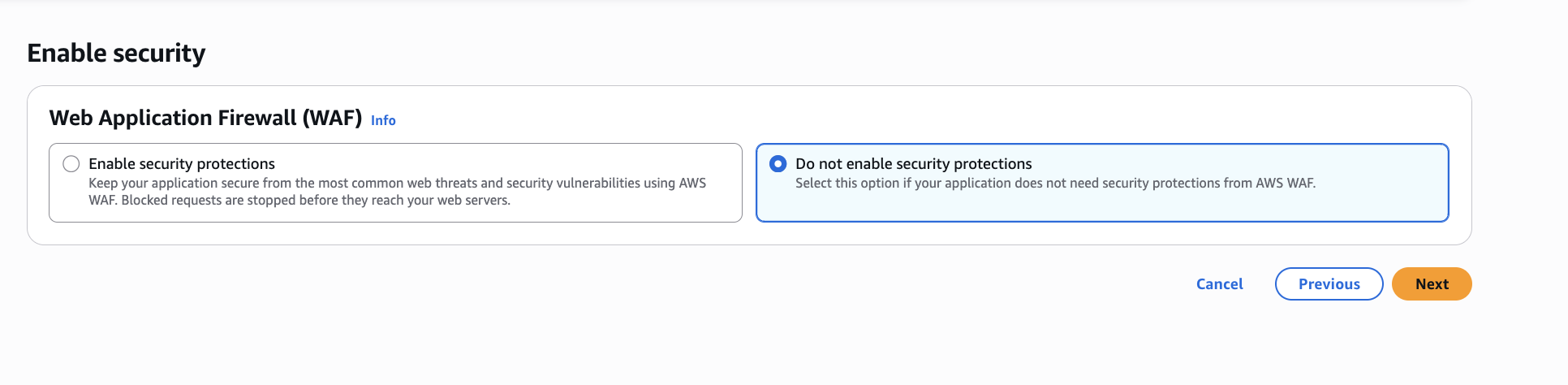
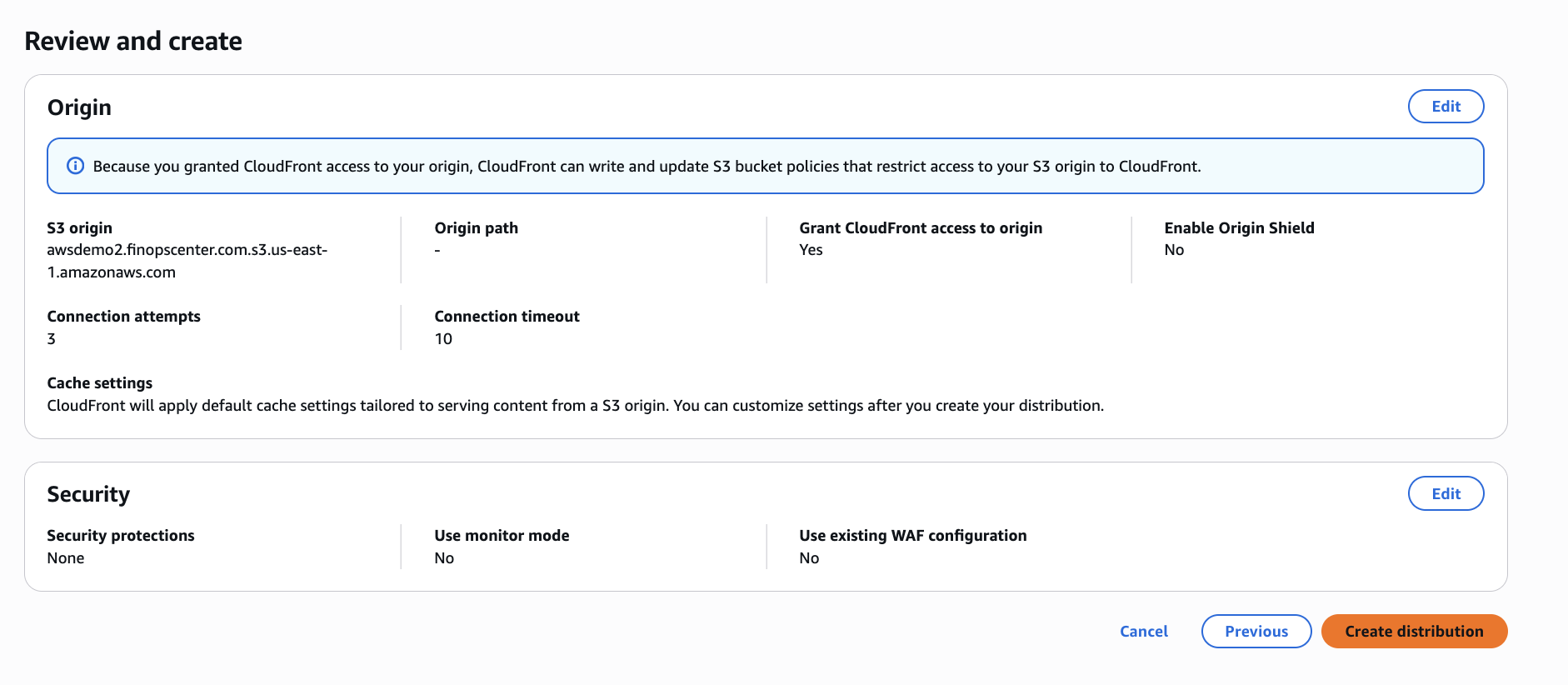
-
Create Distibution
With the Distbituion Create we will need to Edit the Settings
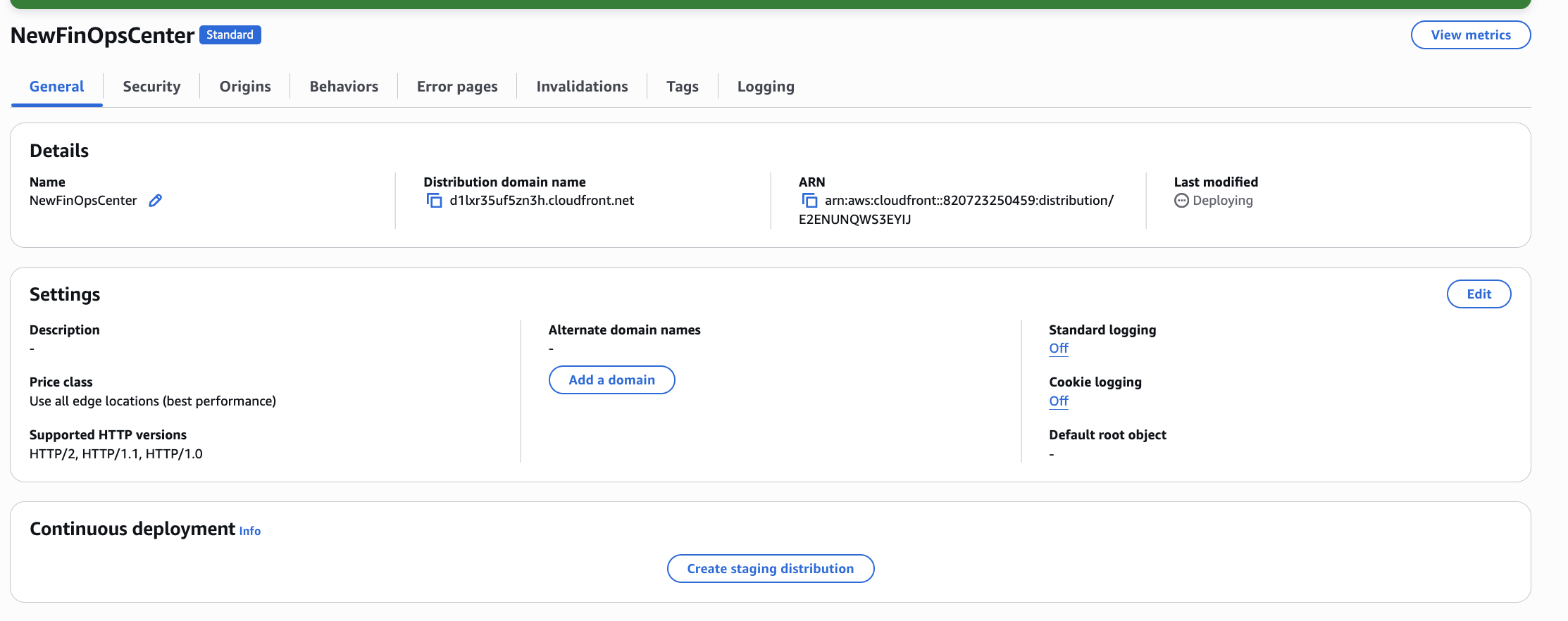
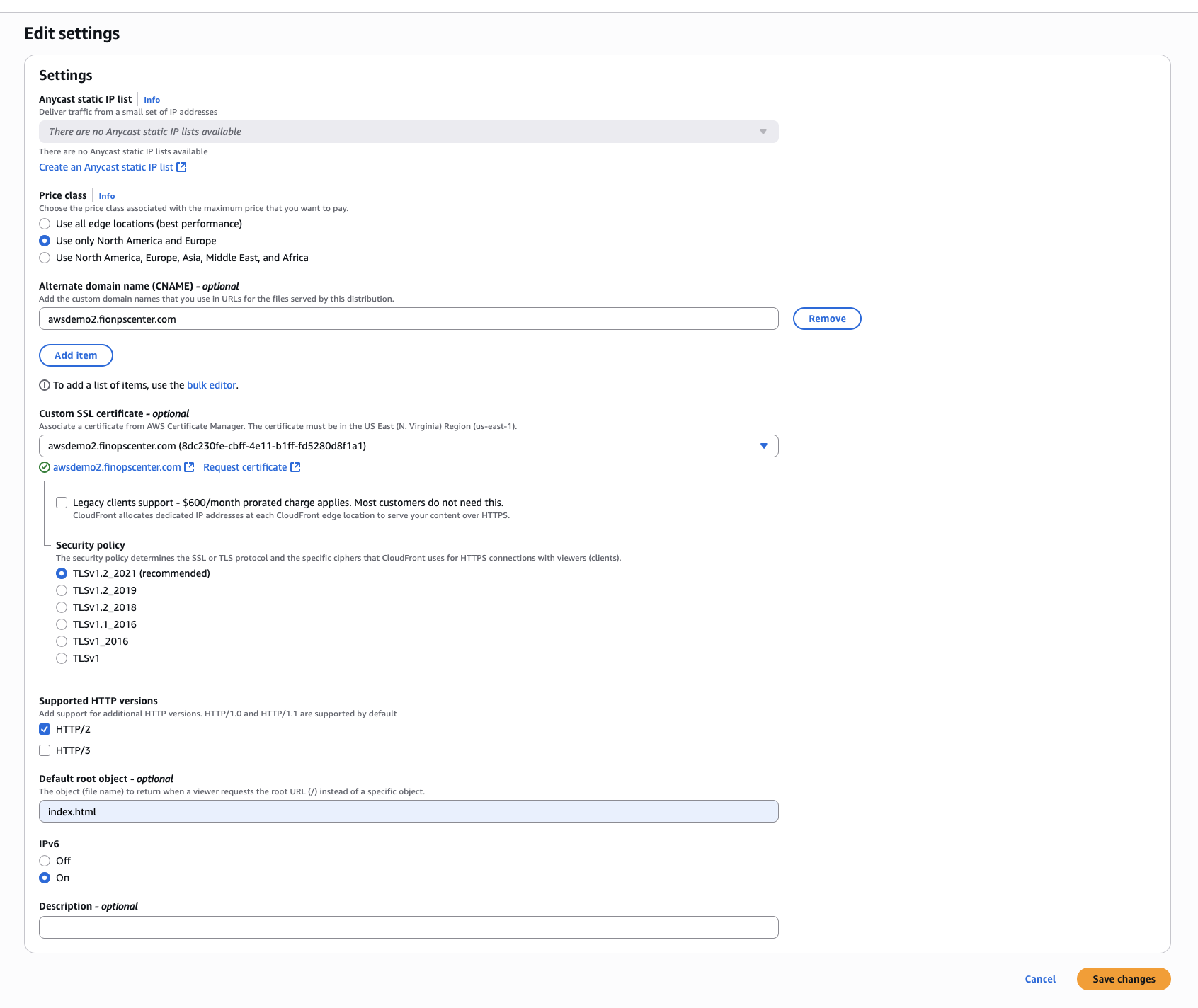
In the Setting we are going to add the Domain Name of the application and select the the SSL Certificate that was created for it.
In the Behavior Setting Update to have all Traffic to be Redirected to HTTPs
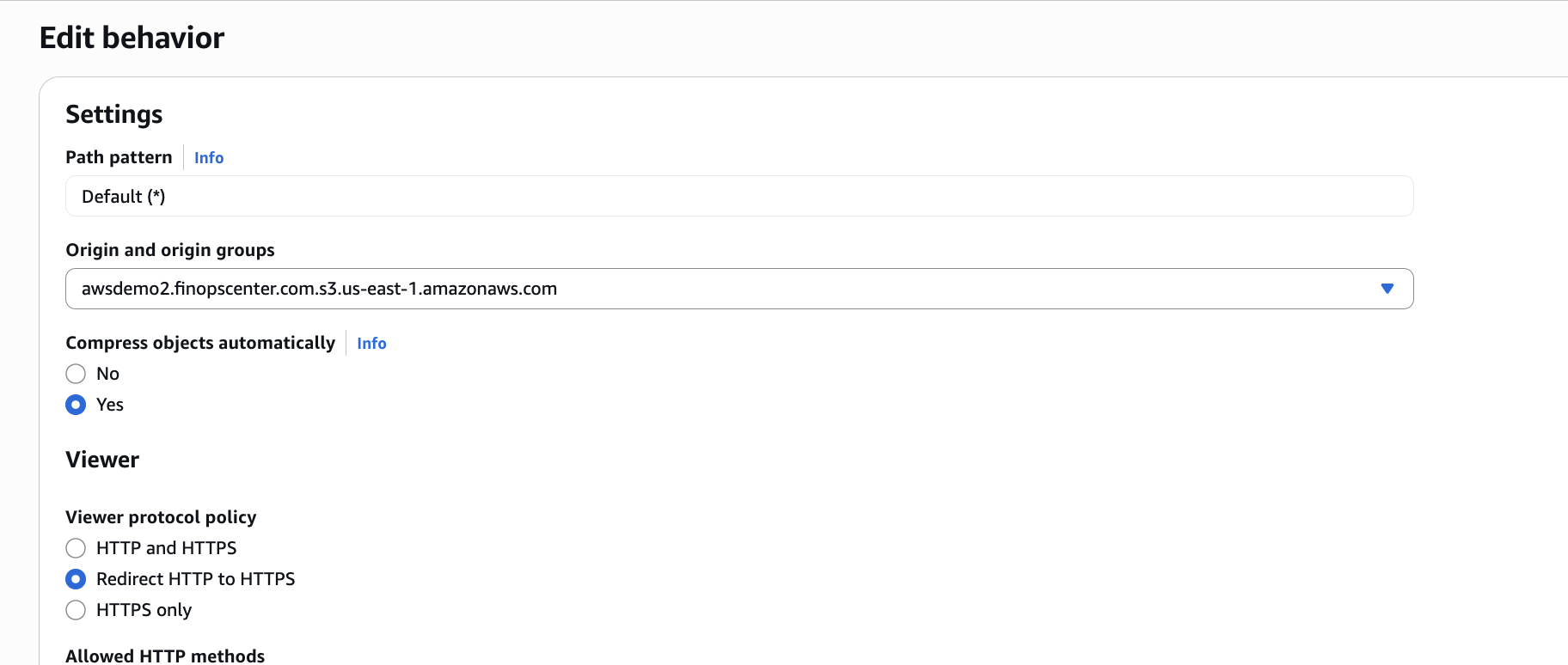
Ensure to update the specified settings below, unless instructed otherwise, while leaving the rest as default.
-
Update Viewer
-
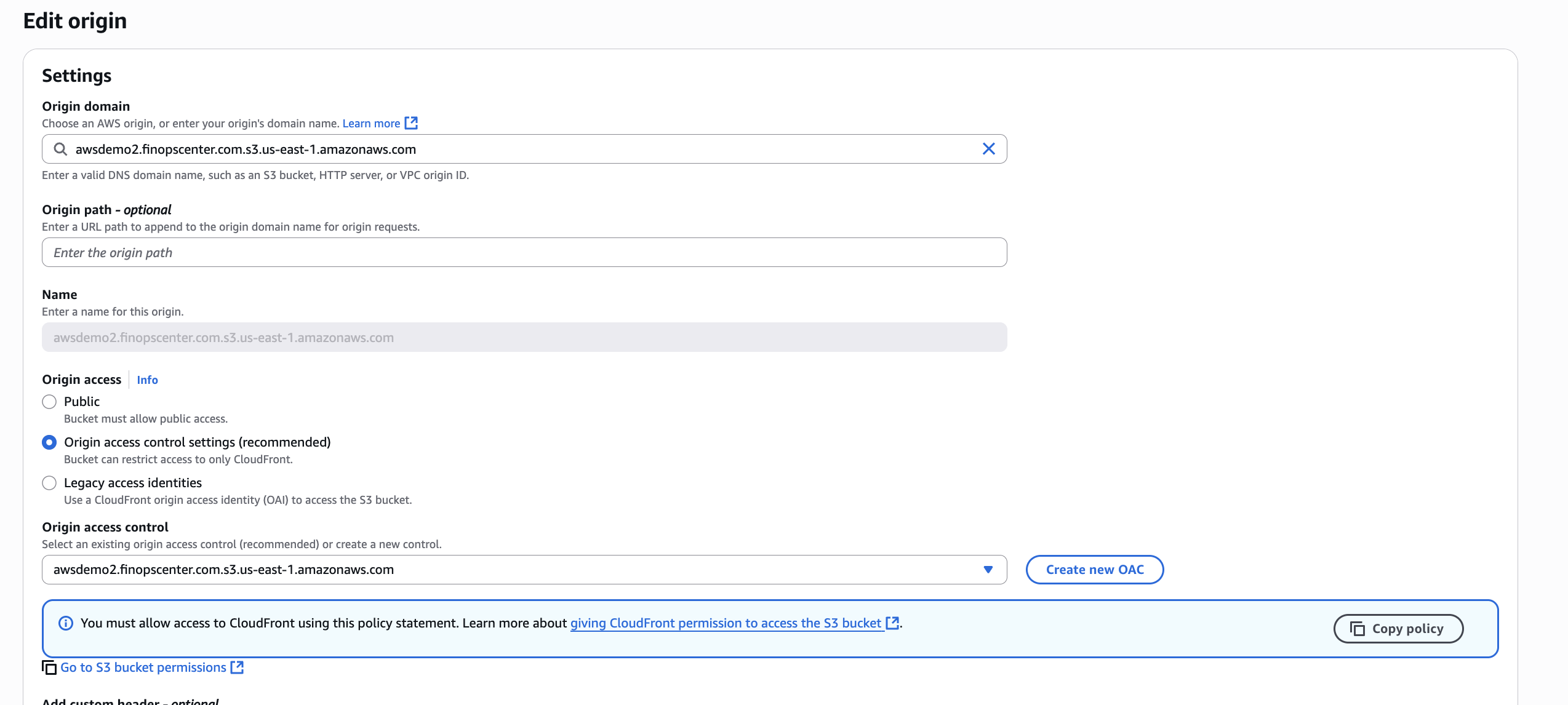
Navigate to the S3 Bucket for Marketplace Central and choose the Permission tab. Edit Permission with the Policy from CloudFront
-
Navigate to Route 53 or Domain Controller and Create an A Record that is Domain Name of your distribution
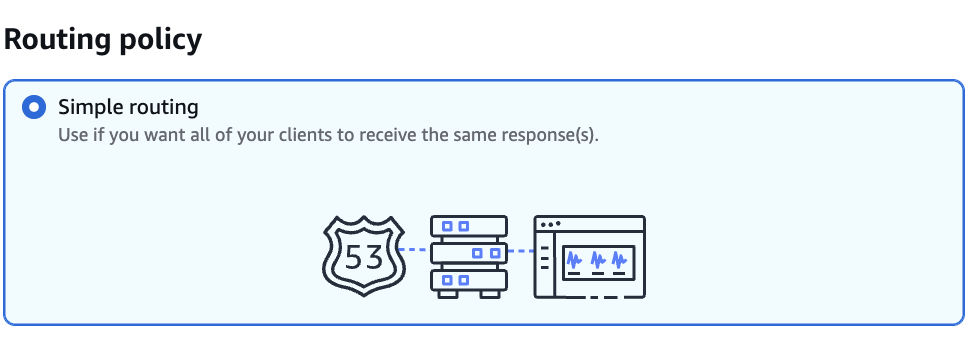
Create A Record 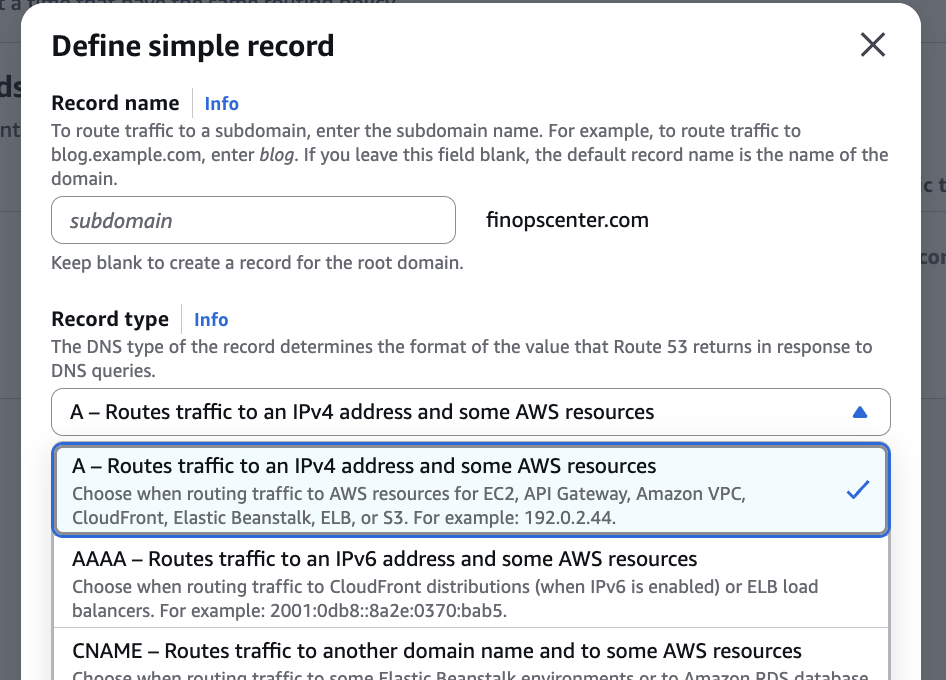
Example of CloudFront Distibution -
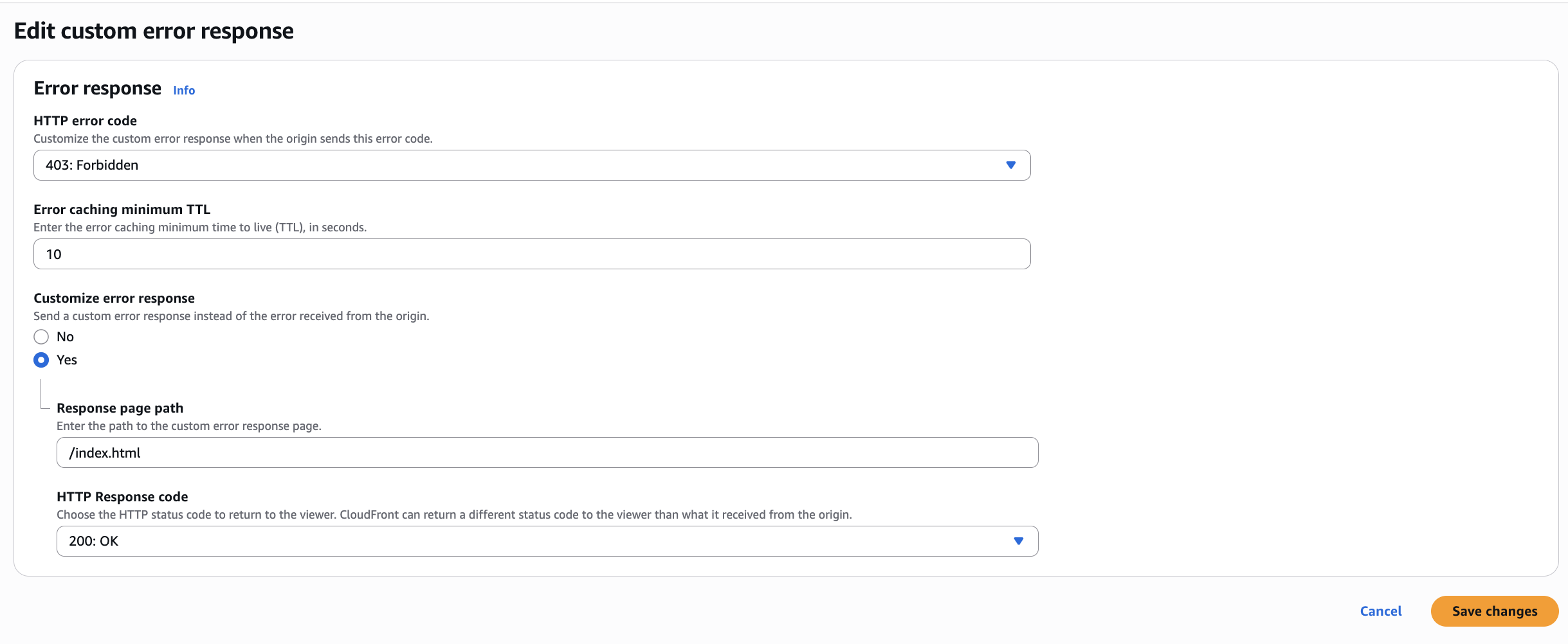
Within your CloudFront Distribution, add customer error response of
403to/index.htmlwith with HTTP Response of 200 OK